Mod Ready or Not — Best PC Mods to Transform Your SWAT Experience

 Mhamed Ouzed
Explore the best Ready or Not PC mods. From realistic AI overhauls to new maps and weapon skins — install the top community mods and dominate every entry.
Mod Ready or Not — Why the PC Mod Scene Is Thriving in 2026
Ready or Not is one of the most mod-friendly tactical shooters on PC, with VOID Interactive leaving the game's file structure accessible enough that the community has built hundreds of mods covering AI behavior, weapon mechanics, mission design, and visual overhauls. Whether you want a more brutal realism pass, smoother co-op AI for your squad, or entirely new breach-and-clear maps, the Ready or Not modding scene on Nexus Mods and the official Discord delivers. If you're interested in the broader landscape of moddable titles, the Best Moddable PC Games guide on Gamesuki breaks down which PC games give modders the most freedom — Ready or Not ranks near the top. Android fans looking for comparable tactical experiences should check out Critical Ops or Call of Duty Mobile.
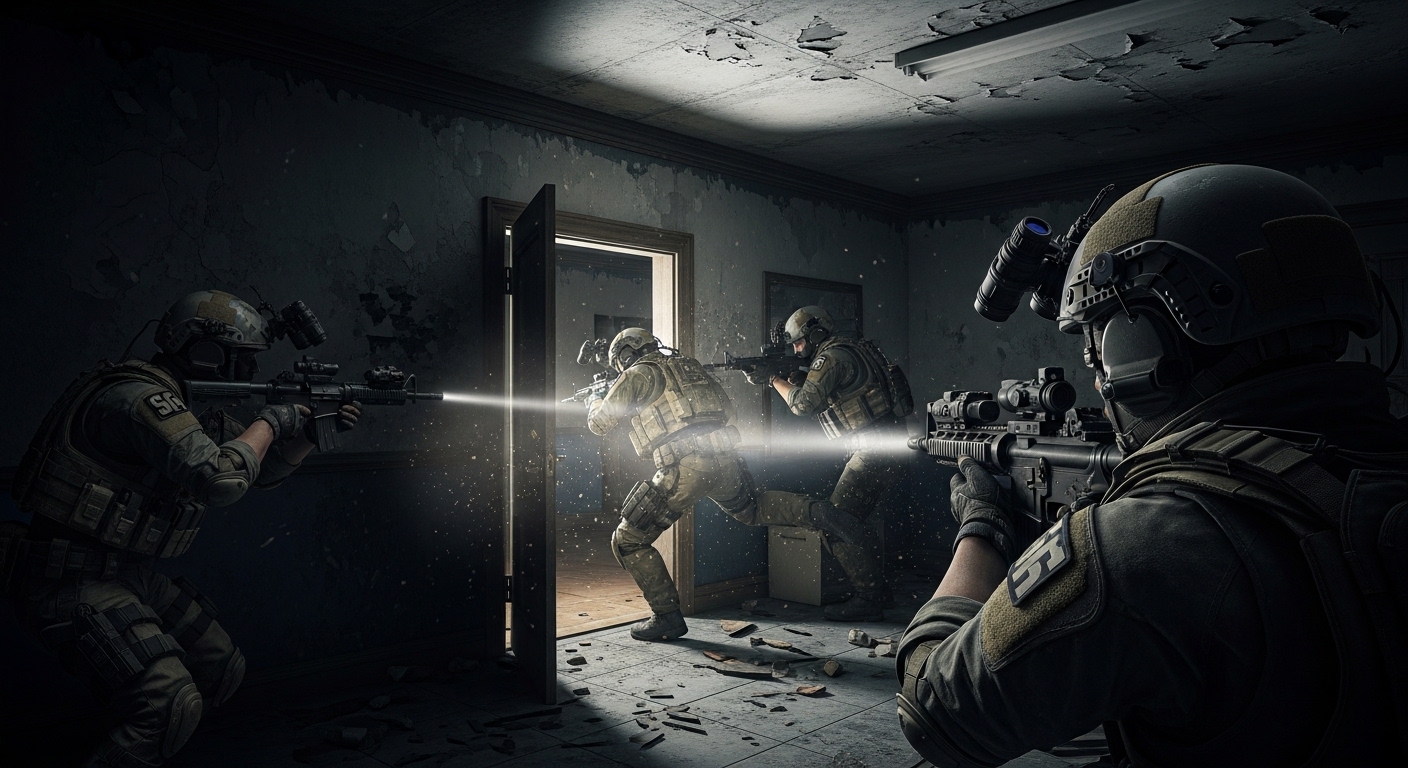
Top Ready or Not PC Mods Worth Installing
AI Behavior Overhaul Mods
The most-downloaded Ready or Not mod category is AI overhaul packs, which address the base game's occasional suspect behavior inconsistencies — enemies that stand still after hearing breach noises, or civilians that path into crossfire. Popular options include the Hardcore AI mod (suspects flank more aggressively and react to sound within a 15-meter radius) and the Compliant Civilians Fix mod that corrects NPC pathing during surrender sequences. These run as .pak file drops into the game's ~mods folder — no UE4 editor required. Installing 2–3 AI mods simultaneously can cause behavior conflicts, so test one at a time before stacking.
Weapon & Equipment Skin Mods
Ready or Not's weapon skin mod library covers over 60 firearms in the base game roster with retextured real-world weapon liveries — desert tan MCX, FDE-coated 416, and multicam Glock 17 builds among the most downloaded. Skin mods are purely cosmetic and carry no gameplay impact, making them the safest mod type for co-op sessions where your friends may not have the same files installed (the host's weapon models display client-side only). The Tactical Equipment Overhaul mod goes further, reskinning all SWAT gear including plate carriers, helmets, and shield units with higher-resolution 4K textures, reducing the visible low-res seams on close-up animations. Players who enjoy modded tactical shooters on Android can also browse the Android Game Mods archive for mobile alternatives.
Custom Map Mods
Community map mods for Ready or Not range from faithful recreations of real-world tactical training facilities to entirely fictional compound layouts designed for specific engagement ranges. The Airport Terminal mod and the Hospital Night Raid map are among the most polished community additions, with proper lighting setups, suspect spawn logic, and objective markers that match the base game's quality bar. Custom maps install as separate .pak files alongside the base game maps and appear in the mission select screen without replacing existing content — you get additive new missions rather than overwrites.
Frequently Asked Questions
Does modding Ready or Not affect multiplayer or co-op?
It depends on the mod type. Visual and skin mods are client-side only — you can use them in co-op without your teammates needing the same files. AI behavior mods and custom maps must be present on the host's machine to function in a session; if a non-host player has them without the host, they simply won't activate. Ready or Not has no competitive ranked mode, so there's no ban risk from mods — the game's servers don't validate client files.
Where do I install Ready or Not mods?
All Ready or Not mods use the game's ~mods folder located at: Ready Or Not/Content/Paks/~mods/. Create the ~mods folder if it doesn't exist. Drop .pak files directly into this folder — no additional mod manager is required, though some players use the Unreal Mod Manager app for cleaner enable/disable toggling. After adding new mods, always restart the game fully rather than using fast resume, as the PAK loader initializes at launch.
Do Ready or Not mods work after game updates?
Most .pak mods survive game updates without breaking, since they add or replace assets rather than patching game binaries. AI script mods (blueprint-type) are more fragile and may require an updated version from the mod author after major VOID Interactive patches. Check the mod's Nexus Mods page for an 'Updated for [patch version]' note before running script mods after a game update.
Related articles
Browse all
Best Moddable PC Games: Top Games to Mod on Steam and Beyond in 2025
Discover the best moddable PC games with thriving mod communities — from Skyrim to RimWorld. Find the top Steam games for modding and get started today.

Best Stardew Valley Mods in 2026 — Top SDV Mods for Every Playstyle
Looking for the best Stardew Valley mods? From massive modpacks to hidden gems, this guide covers the top SDV mods for PC, with picks sorted by category and playstyle.
Control Company Mod, Storm 4 Mods & Northstar — Best PC Game Mods Guide
Discover the best Control Company mod, Storm 4 mods, and Northstar mods. This guide covers what each mod adds, how to install, and where to download safely.