Android Game Mods & Hacked Android Games: The Complete Guide
 Gamesuki Team
Everything you need to know about Android game mods and hacked Android games — how they work, where to find them safely, and how to install them in minutes.
Android Game Mods: Unlock the Full Gaming Experience for Free
Android game mods — also called hacked Android games or MOD APKs — are modified versions of standard mobile games that unlock features the original developers locked behind paywalls, time gates, or in-app purchases. Whether you want unlimited coins in Subway Surfers, god mode in Shadow Fight 2, or all DLC unlocked in Dead Cells, mods deliver it all without spending a cent. This guide covers everything: how mods work, where to get them safely, how to install them, and which games offer the best modding experience on Android.
What Are Android Game Mods?
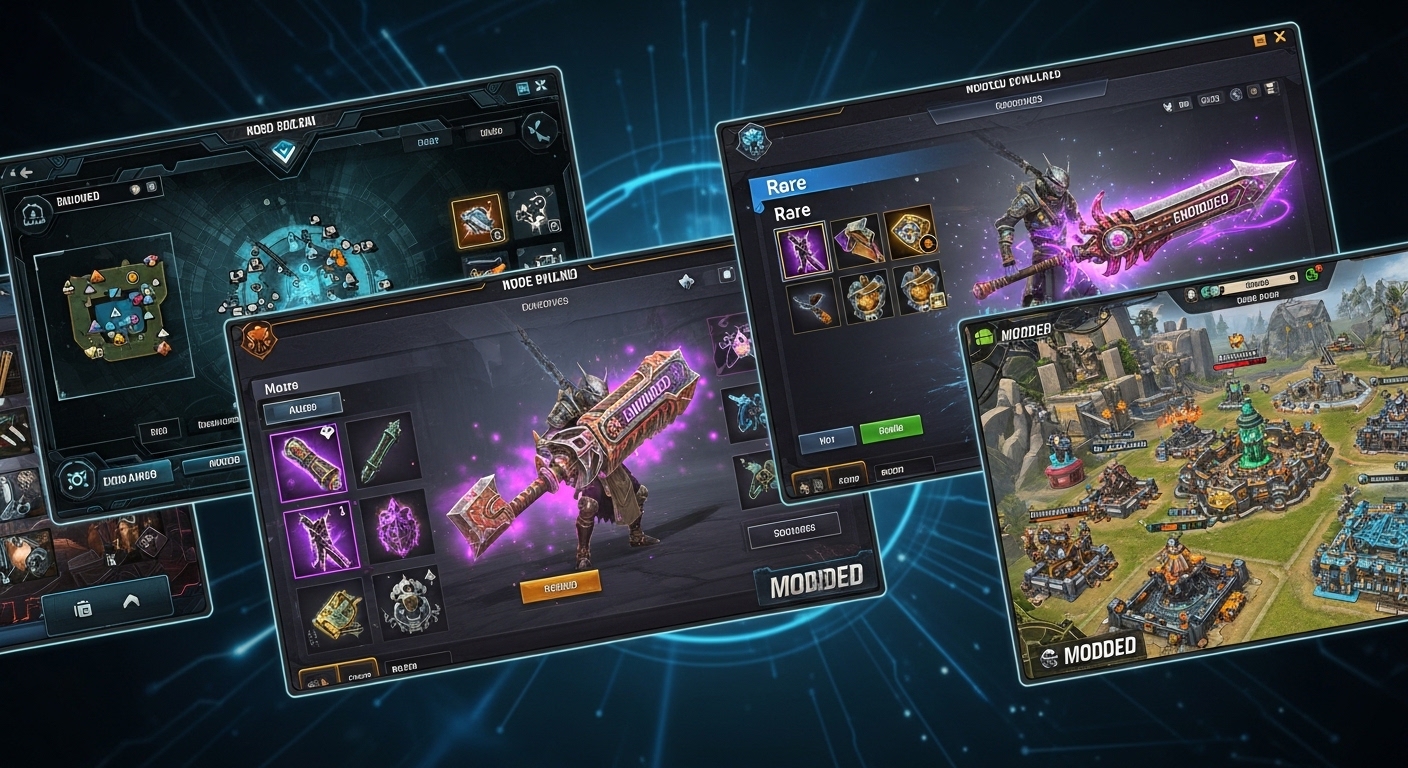
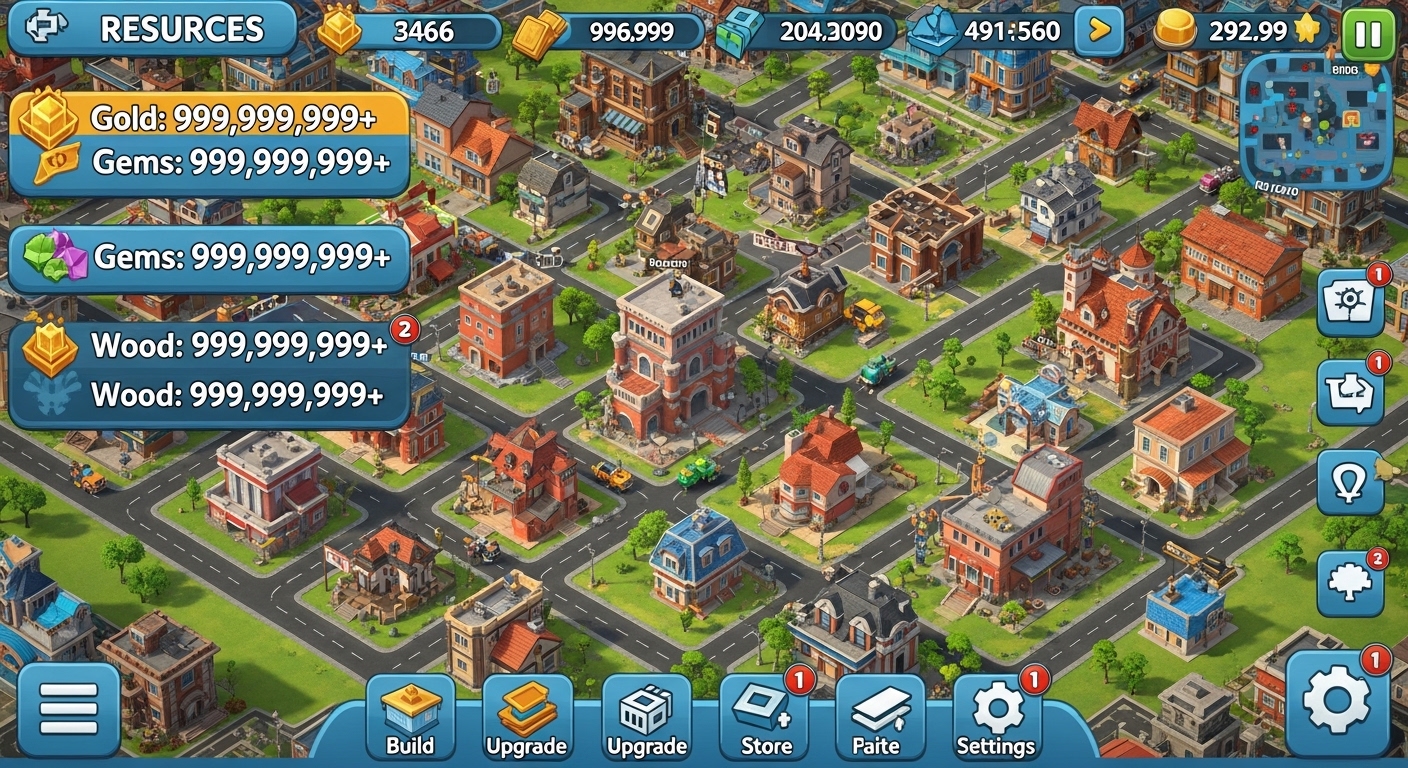
A mod (short for modification) is an APK file that has been reverse-engineered and altered by third-party developers. The modder unpacks the original APK, changes values inside the game code — like currency amounts, damage multipliers, or unlock conditions — and repacks it as a new installable file. The result is what players call a 'hacked game': functionally identical to the original, but with enhanced features. Common mod types include: unlimited money mods (infinite coins, gems, gold), premium unlocked mods (all characters, skins, DLC packs), god mode mods (invincibility, one-hit kills), no ads mods (all advertising removed), and speed mods (gameplay accelerated). Titles like Clash of Clans, Brawl Stars, and PUBG Mobile are among the most frequently modded games in the Android ecosystem.
How Safe Are Hacked Android Games?
Choosing Trusted Sources
Safety in modded gaming comes down entirely to the source. Reputable MOD APK sites like Gamesuki verify files before publishing, scan for malware, and provide version history so you always know what build you are installing. Avoid random file-hosting links shared in forums or social media comments — these carry the highest risk of bundled malware. Stick to sites with: visible changelogs, per-file virus scan badges, active community comments sections with real user feedback, and clear device requirement details (Android version, architecture).
Root vs No-Root Mods
The majority of modern Android game mods are designed to work without root access. Root-free mods are safer for your device — they do not alter system files and can be uninstalled like any normal app. Root-required mods offer deeper modifications (memory-level cheats, kernel-level tweaks) but void your device warranty and carry higher risk. For 95% of players, a no-root MOD APK from a trusted source is the right choice. Always check the mod description before downloading — any reputable site will state clearly whether root is required.
Top Categories of Android Game Mods in 2025
Action & Battle Royale Mods
Action and shooter titles generate the highest demand for mods. Players look for aimbot assistance, damage multipliers, wall-hack visibility, and unlimited ammo. Games like Call of Duty Mobile, Garena Free Fire, and Critical Ops have large modding communities. Note that online multiplayer mods carry ban risk from anti-cheat systems — most experienced modders use mods in offline or private modes only.
RPG & Strategy Mods
RPG games are ideal mod targets because progression is tied to grind — unlocking all characters, maxing skill trees, and purchasing premium equipment are all gated behind extensive playtime or real money. Mods for titles like Genshin Impact, AFK Arena, and Soul Knight typically unlock all heroes and give unlimited stamina. Strategy games mod well too — Clash of Clans mods provide instant build timers and maxed-out bases for sandbox-style play.
Casual & Hyper-Casual Mods
Casual games often have the simplest mod structures — remove ads and add unlimited currency. Subway Surfers unlimited keys and coins, Hill Climb Racing with all vehicles unlocked, and Stumble Guys with premium skins are perennial favourites. These mods are also the safest to install because casual games rarely have aggressive anti-cheat protection.
How to Install Hacked Android Games — Step by Step
Step 1: Allow Unknown Sources
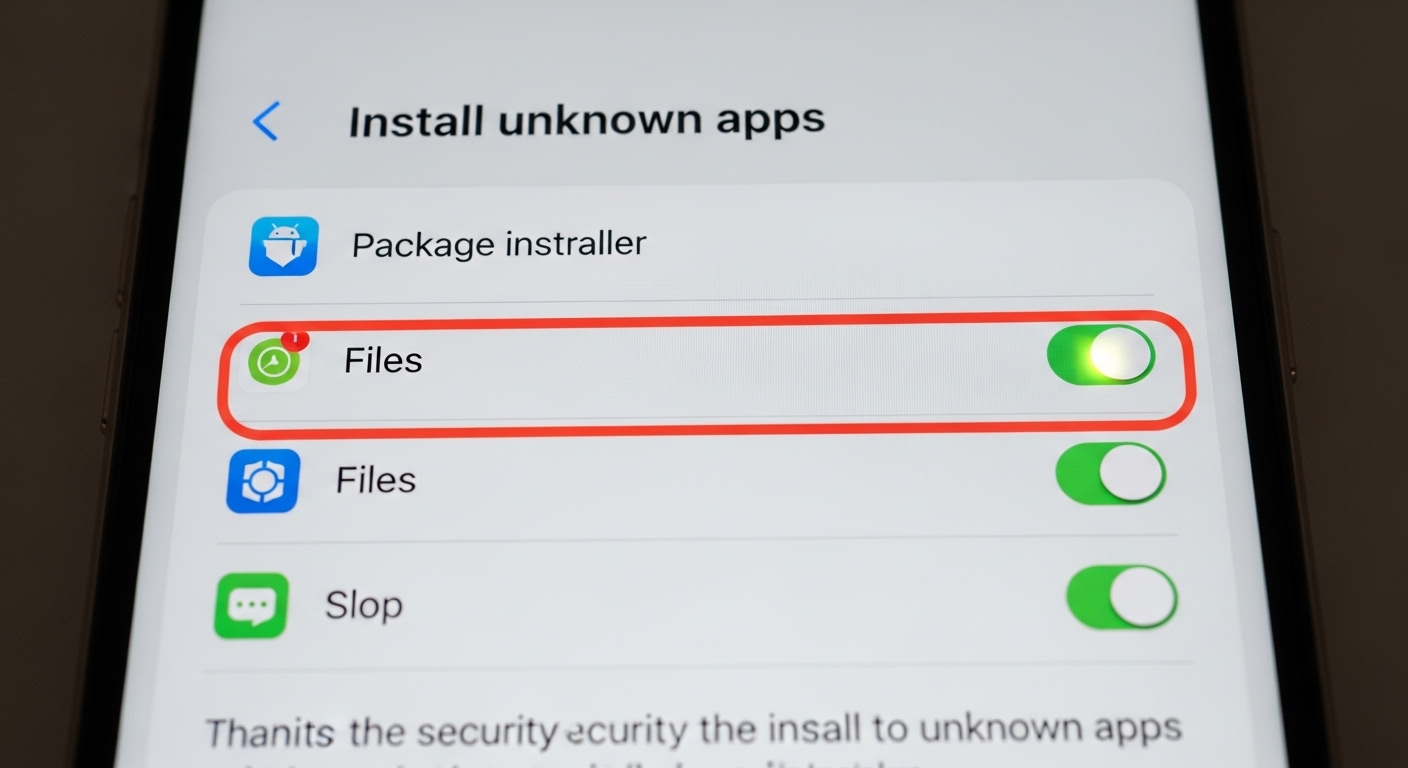
Go to Settings > Apps > Special App Access > Install Unknown Apps. Select your file manager or browser and toggle 'Allow from this source' on. This is a one-time change required because Android blocks installation of APKs from outside the Play Store by default.
Step 2: Uninstall the Original Game
Uninstall the Google Play version of the game before installing the MOD APK. If both versions share the same package name, Android will block the install with a 'conflicting package' error. Long-press the app icon > Uninstall, or remove it from Settings > Apps.
Step 3: Download and Install the MOD APK
Download the MOD APK file from Gamesuki. Once the download completes, tap the file in your notifications bar or open it from your Downloads folder. Tap 'Install' when prompted. Installation typically takes 10–30 seconds depending on file size.
Step 4: Launch and Play
Once installed, open the game. Modded features are typically active from the first launch — check the main menu, in-game shop, or a dedicated mod menu button (often a floating icon on screen). Some mods require you to tap the mod menu icon to enable specific cheats individually.
Best Practices for Playing Android Game Mods
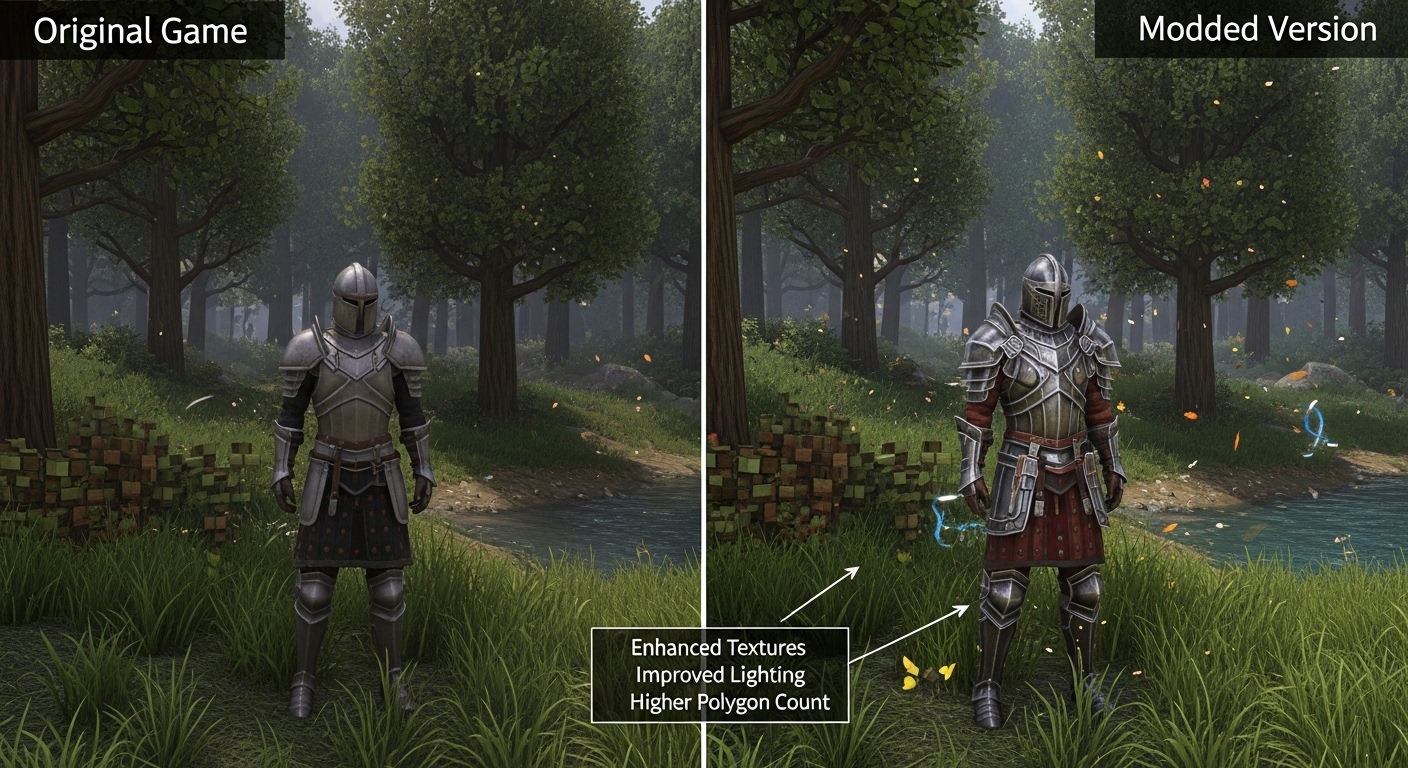
Experienced modders follow a few rules to maximise their enjoyment and minimise risk. First, always back up your game save data before switching to a modded version — use Google Play Games or cloud backup if the game supports it. Second, use mods for single-player or offline content only; using mods in competitive multiplayer damages other players' experience and risks permanent bans. Third, check the mod version against the latest app store version — running an outdated mod on a game that has received server-side updates may cause crashes or login failures. Games like Garena Free Fire and PUBG Mobile update frequently, so always confirm the mod build date before installing.
Frequently Asked Questions
Are Android game mods legal?
Modding occupies a legal grey area. Distributing or using modified APKs typically violates the developer's Terms of Service, which can result in account bans. However, personal use of mods for single-player games is rarely pursued legally. Always play responsibly — mods are best used for offline, single-player enjoyment.
Will I get banned for using hacked Android games?
Ban risk exists for online multiplayer games with active anti-cheat systems. Games like PUBG Mobile use kernel-level detection and regularly ban modded accounts. Offline and single-player games carry effectively zero ban risk. If you play online, create a secondary account to test mods rather than risking your main account.
Do I need to root my Android phone to install mods?
No — the vast majority of MOD APKs published today are no-root. Simply enable 'Install Unknown Apps' in your Android settings and install the APK file directly. Root is only required for memory-editing tools or kernel-level mods, which represent a small fraction of available modifications.
Why does a modded game crash on launch?
Crashes on launch are usually caused by: an outdated mod version incompatible with the current server version, a conflicting Play Store version still installed on the device, or insufficient device RAM for the modded build. Try uninstalling all versions, clearing cache, and reinstalling the MOD APK fresh.
Can I update a modded game through the Play Store?
No. Play Store updates will overwrite your modded APK with the official version, removing all mod features. To update, return to Gamesuki and download the latest MOD APK version when it becomes available. Subscribe to the game's page to get notified when a new mod build is published.
Download Your First Android Game Mod Today
Gamesuki hosts hundreds of verified, no-root MOD APKs updated regularly. Whether you are looking to dominate in Call of Duty Mobile with enhanced visibility, explore Dead Cells with god mode enabled, or just enjoy Subway Surfers without ads, you will find every mod you need here — tested, safe, and ready to install in under two minutes.
Related articles
Browse all
AI Photo Editor MOD APK — Unlock All Filters & Premium Tools Free
Get the AI Photo Editor MOD APK with all premium filters, tools, and effects unlocked. No watermark, no subscription — edit like a pro on Android.

Aimbot COD Mobile — CODM Aimbot APK Guide, Risks & Alternatives
Everything you need to know about aimbot for COD Mobile: how it works, the real ban risks, and the best legal alternatives to dominate in CODM.

Among Us 3D Hacks & PC Hacks — What Really Works in 2025
Curious about Among Us 3D hacks and Among Us hacks on PC? This guide covers what these mods actually do, the ban risk, and the best ways to enhance your game safely.