Mod Menu APK — Free Mod Menu App for Android Games in 2026
 Mhamed Ouzed
Get the best free mod menu APK for Android. Unlock god mode, unlimited resources, and full game controls with verified mod menu apps — no root needed.
Mod Menu APK — What It Is and Why Android Players Want It
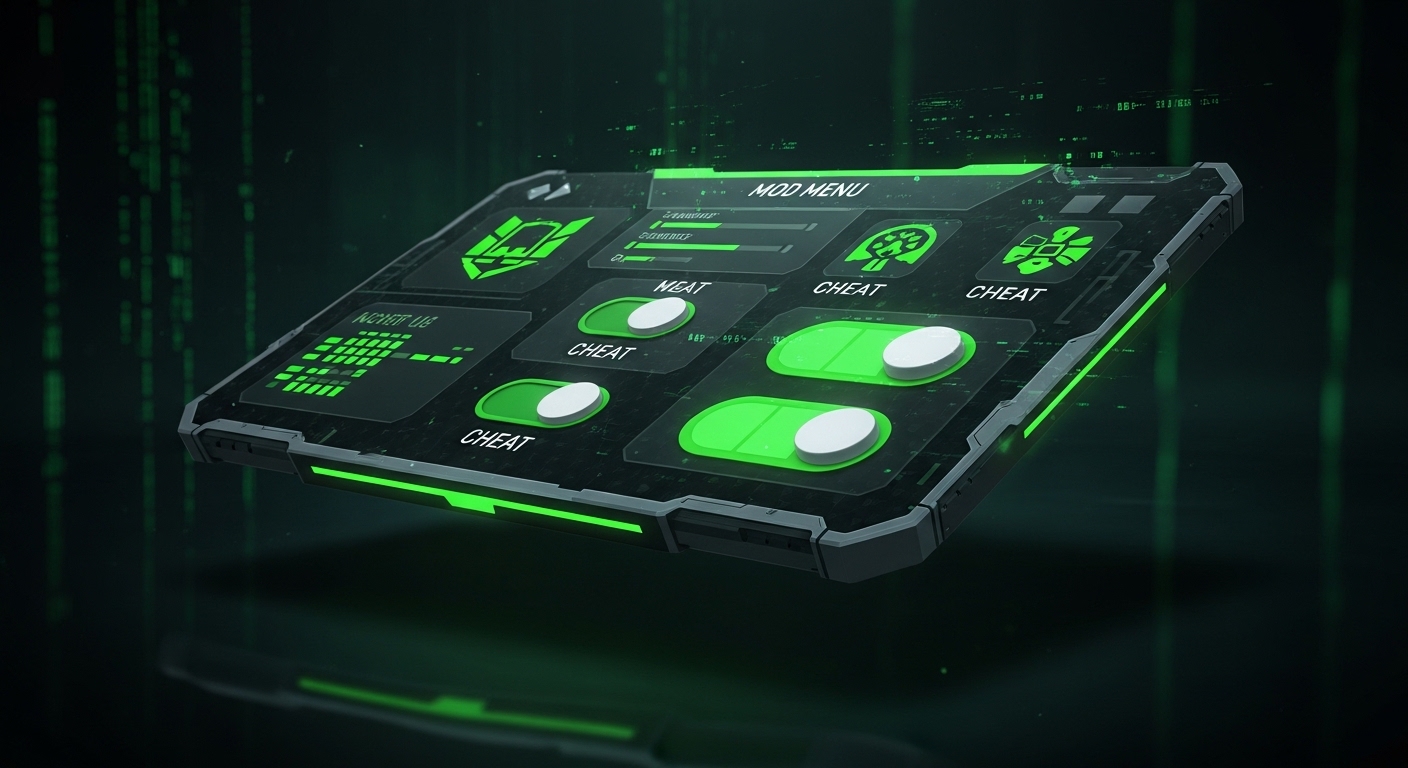
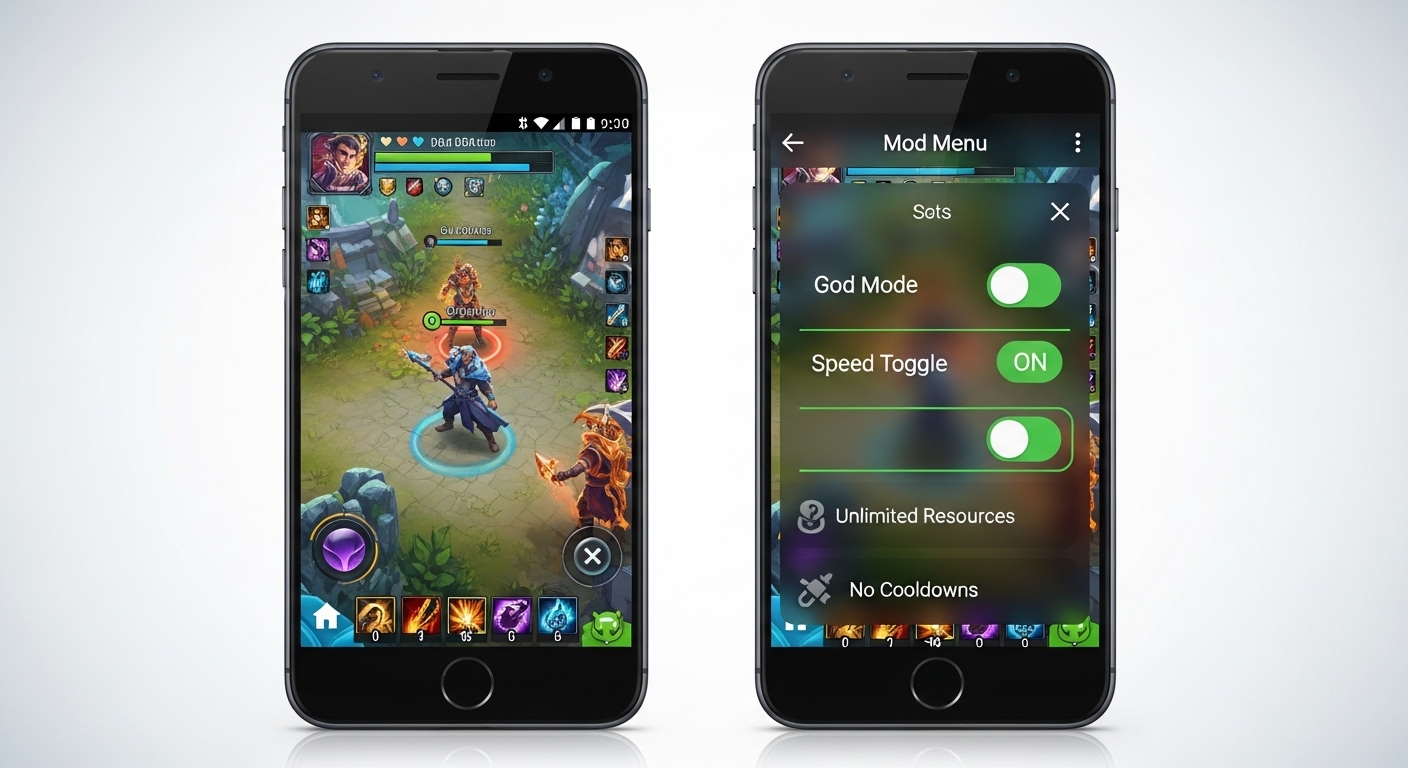
A mod menu APK is a modified version of an Android game that includes a built-in floating control panel — typically triggered by a button overlay on screen — letting players toggle cheats, hacks, and unlocks in real time without restarting the app. Features range from god mode and speed multipliers to wallhack toggles and one-hit kill switches, all switchable mid-session. Unlike static modded APKs where cheats are always on, a mod menu gives you on/off control, making it easier to avoid detection in games with basic server-side checks. If you want to explore specific modded titles right now, Among Us Mod Menu APK and the full library at Android Game Mods are the best starting points on Gamesuki. For the wildly popular social deception title with its own mod menu scene, you can also grab Among Us directly.
Always Impostor · See roles · Speed hack · No root · Android 6.0+

What a Good Mod Menu App Includes
Core Cheat Toggles
The best free mod menu APKs for Android include a consistent set of core features regardless of which game they target: god mode (infinite HP), unlimited ammo or energy, speed multiplier (typically 1x–5x adjustable via slider), one-hit kill, and anti-ban flags. Higher-quality mod menus also include a drag-and-drop panel so the overlay button doesn't block key UI elements — a detail budget mod menus often skip. Look for builds that display a version string inside the menu matching the game's current Play Store version, which indicates the mod was compiled against the live APK rather than an outdated base.
No Root vs Rooted Mod Menus
Modern mod menu APKs for Android 9.0 and above almost universally run without root by injecting the cheat panel through repackaged APK signing rather than system-level hooks. Rooted mod menus still exist and offer deeper system access — useful for games that store values in protected memory regions — but the no-root versions cover 95% of casual use cases and work on stock Android from major OEMs including Samsung, Xiaomi, and OnePlus without unlocking the bootloader. Always install the modded APK after uninstalling the official game version to avoid signature conflicts. Brawl Stars, Clash of Clans, and PUBG Mobile each have active mod menu communities with no-root builds available.
Frequently Asked Questions
Is a free mod menu APK safe to install on Android?
Safety depends entirely on the source. Mod menus downloaded from verified modding communities with active comment sections and recent update histories are generally clean. The main risk is downloading from ad-heavy direct-link sites that bundle PUPs (potentially unwanted programs) in the APK wrapper. Before installing any mod menu app, scan the APK with a tool like APKPure's built-in checker or VirusTotal's APK scanner — both flag suspicious permission requests like SMS access or contact harvesting, which legitimate mod menus never require.
Will I get banned using a mod menu in multiplayer games?
Ban risk is real in games with server-side validation — titles like PUBG Mobile, Free Fire, and Clash of Clans actively detect modified clients and issue hardware-level bans. For these games, mod menus work best in private matches or offline modes only. Single-player and offline games carry zero ban risk. If you want to use a mod menu in a multiplayer title, use a secondary account on a separate device or emulator to protect your main profile.
Do I need to uninstall the original game first?
Yes — in almost all cases you must uninstall the official version before installing a mod menu APK, because they share the same package ID and Android's signature verification rejects a differently-signed APK as an 'app not installed' error if the original is still present. Back up your save data to the cloud or Google Play Games before uninstalling if the game supports cross-device saves.
Related articles
Browse all
AI Photo Editor MOD APK — Unlock All Filters & Premium Tools Free
Get the AI Photo Editor MOD APK with all premium filters, tools, and effects unlocked. No watermark, no subscription — edit like a pro on Android.

Aimbot COD Mobile — CODM Aimbot APK Guide, Risks & Alternatives
Everything you need to know about aimbot for COD Mobile: how it works, the real ban risks, and the best legal alternatives to dominate in CODM.

Among Us 3D Hacks & PC Hacks — What Really Works in 2025
Curious about Among Us 3D hacks and Among Us hacks on PC? This guide covers what these mods actually do, the ban risk, and the best ways to enhance your game safely.