Minecraft JAR Mods — How to Install Mod JAR Files for Minecraft
 Mhamed Ouzed
Learn exactly how to install Minecraft JAR mods using Forge and Fabric. Step-by-step guide for mod JAR file installation on Java Edition PC.
Minecraft JAR Mods Explained — What They Are and How They Work
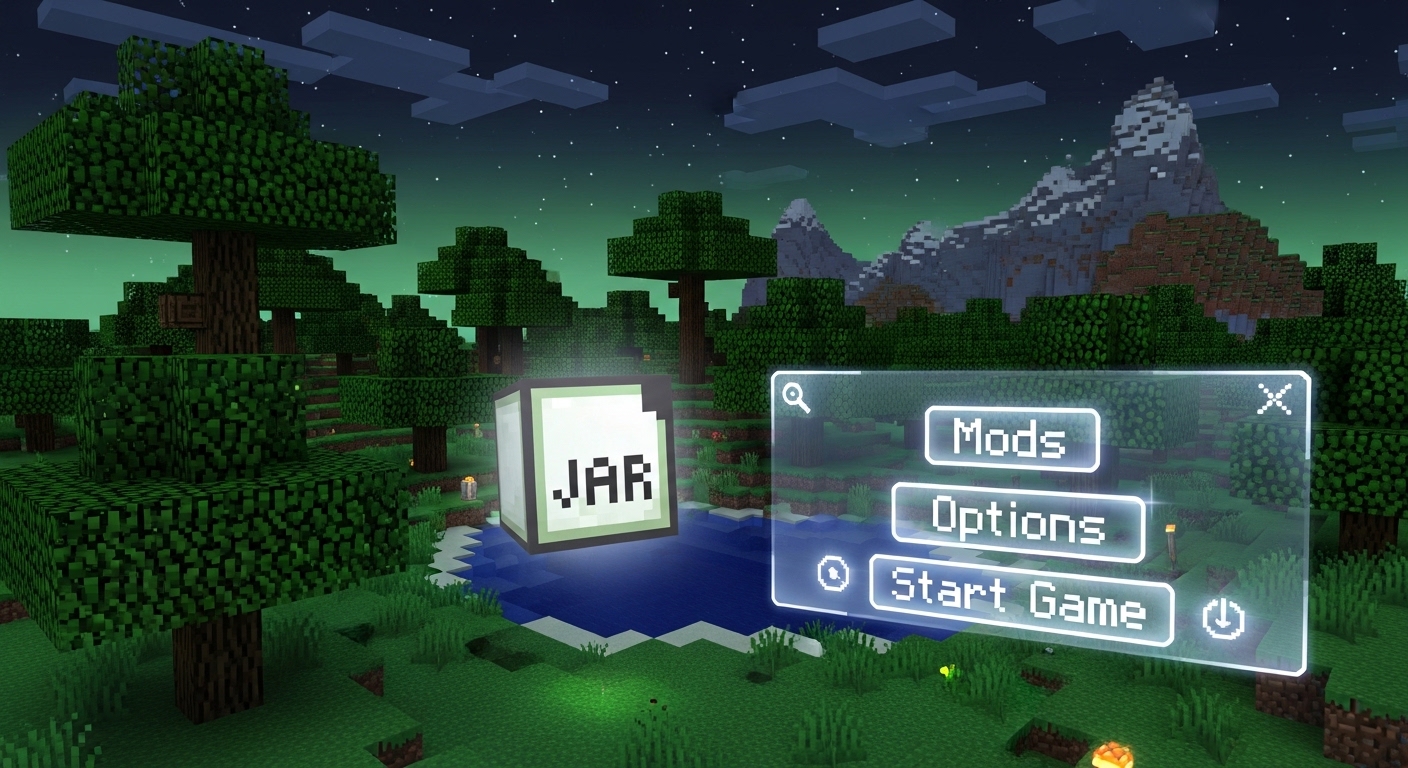
Minecraft Java Edition mods are distributed as .jar files — Java Archive files that contain the compiled mod code and assets. These files are not installed by simply double-clicking them; they require a mod loader to function. The two dominant mod loaders are Minecraft Forge and Fabric. Forge is older and hosts the largest mod ecosystem — nearly every major Minecraft mod from the past decade was built on Forge. Fabric is newer, lighter, and faster-loading, preferred for performance mods and newer Minecraft versions. The process for installing either is the same: install the mod loader for your target Minecraft version, then drop .jar mod files into the mods folder, and launch the game through the modded profile. Minecraft fans on Android looking for a comparable creative sandbox experience should check out Minecraft on mobile and Terraria — both support add-on content on their respective platforms.

Step-by-Step: How to Install Minecraft JAR Mods
Step 1 — Install a mod loader. Go to files.minecraftforge.net or fabricmc.net and download the installer for the Minecraft version your mods require. Run the installer — it adds a new profile to your Minecraft Launcher automatically. Step 2 — Find your mods folder. On Windows it is at %appdata%\.minecraft\mods. On Mac it is ~/Library/Application Support/minecraft/mods. If the mods folder does not exist, create it manually. Step 3 — Download .jar mods. Get your mod .jar files from trusted sources — Modrinth and CurseForge are the most reliable repositories. Never download .jar files from random forums or Discord links. Step 4 — Drop jars into the mods folder. Copy your .jar files directly into the mods folder. Do not unzip them. Step 5 — Launch with the mod profile. Open the Minecraft Launcher, select the Forge or Fabric profile from the dropdown, and click Play. The game loads all .jar files in the mods folder on startup. If a mod fails to load, it will appear as an error in the crash log — check that the mod version matches your game and loader version exactly. Mod mismatch is the number-one cause of failed Minecraft mod installs. Survival and exploration game fans who enjoy deep modding should also explore Dead Cells and Hollow Knight on Android for comparable depth without the setup complexity.
Frequently Asked Questions
Can I install JAR mods on Minecraft Bedrock or mobile?
No. JAR mods are exclusively for Minecraft Java Edition on PC. Minecraft Bedrock Edition (used on Windows 10/11, mobile, and console) uses a completely different add-on system based on behavior packs and resource packs in .mcpack or .mcaddon format — not .jar files. There is no compatibility between the two systems.
Should I use Forge or Fabric for JAR mods?
Use whichever loader the mods you want require. Many mods are Forge-only, some are Fabric-only, and a growing number support both. Forge has by far the larger legacy mod library. Fabric is preferred for performance optimization mods like Sodium and Lithium. You cannot mix Forge and Fabric mods in the same installation — pick one loader per game version profile.
Why does Minecraft crash when I add a new JAR mod?
Version mismatch is the most common cause — the mod was built for a different Minecraft version or a different Forge/Fabric version than you have installed. Check the mod's download page for its exact supported Minecraft version and loader version. Mod conflicts are the second most common cause — two mods that modify the same game system can crash on load. Remove mods one at a time to isolate the conflict.
Related articles
Browse all
Call of Duty Mobile Characters: Complete Operators Guide (2025)
Discover every Call of Duty Mobile character and operator — from iconic Ghosts to rare seasonal picks. Find out which COD Mobile operators are worth unlocking and why.
Can You Mod Games on PS5? — Cyberpunk, BG3 & PS5 Mod Manager Guide
Can you download mods on PS5? The short answer is: it depends on the game. This guide covers what's possible, how PS5 mod support works, and which games support it.
Control Company Mod, Storm 4 Mods & Northstar — Best PC Game Mods Guide
Discover the best Control Company mod, Storm 4 mods, and Northstar mods. This guide covers what each mod adds, how to install, and where to download safely.