How to Install Mods on Steam — The Complete Guide

 Mhamed Ouzed
Learn exactly how to install mods on Steam games using the Workshop and Nexus Mods. Step-by-step instructions for beginners and veterans alike.
How to Install Mods on Steam Games — Full Guide
Yes, you can absolutely mod Steam games — and it is easier than most players think. Steam has two main paths for modding: the built-in Steam Workshop, which lets you subscribe to mods with a single click, and third-party tools like Nexus Mods, which give you access to thousands of community-made modifications that go far beyond what the Workshop offers. Whether you want gameplay overhauls, texture packs, new weapons, or complete total conversions, this guide covers every step. If you enjoy deep, moddable experiences, you will love titles like Terraria and Hollow Knight — both with vibrant modding communities.
Discover the top PC games with the richest modding communities · Steam & Nexus supported

Method 1 — Using the Steam Workshop (Easiest Way)
The Steam Workshop is the fastest way to mod supported games. Open Steam and navigate to your game's store page or library entry. Click the 'Workshop' tab. Browse or search for any mod you want — when you find one, click 'Subscribe.' Steam automatically downloads and installs the mod into your game directory. The next time you launch the game, the mod will be active. To manage or remove mods, visit your Workshop subscriptions in Steam and click 'Unsubscribe.' This method works for hundreds of titles including Civilization VI, which has one of the most active Workshop communities available. Fans of strategy modding will also want to check out Rome Total War for deep historical mods.
Method 2 — How to Install Nexus Mods on Steam Games
Nexus Mods hosts hundreds of thousands of mods for Steam games that never reach the Workshop. Here is the full process: First, create a free account at nexusmods.com. Search for your game and find a mod you want. Click 'Mod Manager Download' if you are using Vortex (the recommended free mod manager by Nexus), or 'Manual Download' for direct file installation. With Vortex, the mod installs automatically after you link it to your Steam game folder. For manual installs, extract the downloaded archive and drop the files into your game's data or mods folder — the exact path varies by game but is usually found inside Steam/steamapps/common/[GameName]/. Always read the mod's description page for any special install steps. Games like Dead Cells and Hollow Knight have extensive Nexus Mods libraries worth exploring.

How to Enable and Manage Mods In-Game
After installing mods, most Steam games require you to enable them in an in-game menu or launcher. When you launch the game, look for a 'Mods' or 'DLC' section in the main menu — toggle the mods you want active. For games using the Workshop, enabled mods are listed in the order of load priority, which matters when two mods touch the same game file. Vortex handles load order for Nexus Mods automatically. To troubleshoot a broken mod, disable all mods and re-enable them one by one to find the conflict. Keep mods updated — outdated mods after a game patch are the number-one cause of crashes. Survival fans modding titles like Terraria or Minecraft should always check mod update notes after major game updates.
Frequently Asked Questions
Can you mod all Steam games?
Not every Steam game supports mods — it depends on whether the developer has enabled Workshop support or if the community has created modding tools. Games like Skyrim, Stardew Valley, and Civilization VI have huge mod ecosystems, while many others do not. Check the game's Steam store page for a Workshop tab, or search Nexus Mods for the game title.
Are Steam mods safe to download?
Steam Workshop mods are generally safe since they go through Steam's platform. Nexus Mods are also considered trustworthy as mods are reviewed by the community — always check download counts and user reviews before installing any mod. Avoid random .exe files disguised as mods from unofficial sources.
Will mods disable Steam achievements?
Some games disable achievements when mods are active, while others do not. It depends entirely on the game. Skyrim Special Edition on Steam, for example, disables achievements with mods unless you install a small 'Achievement Enabler' mod. Always check the community forums of your specific game for the definitive answer.
Related articles
Browse all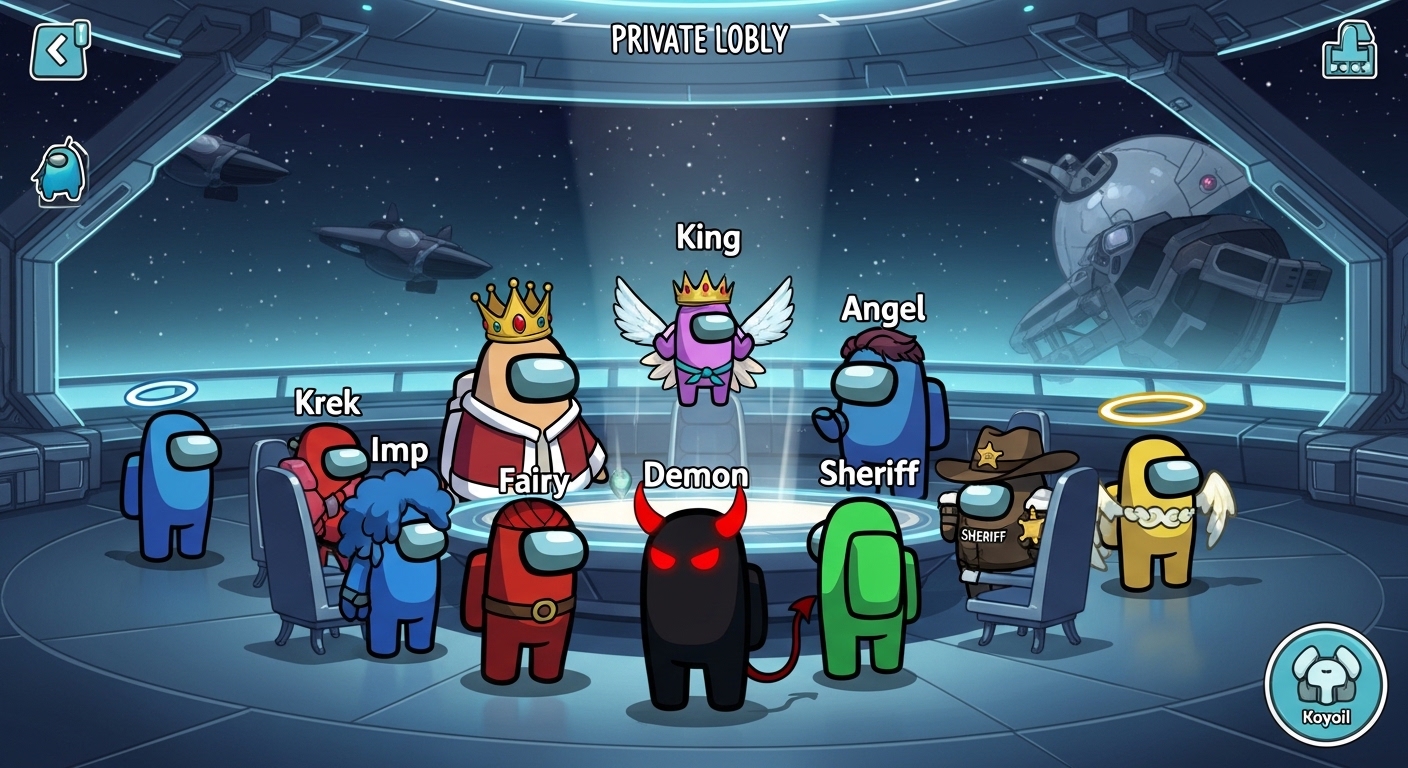
Among Us Mods for Android — Best Hack Downloads & Mod APKs 2025
Find the best Among Us mods for Android in 2025: mod APK downloads, mobile hacks, hacked versions, and role mods for private lobby fun.

Best Moddable PC Games: Top Games to Mod on Steam and Beyond in 2025
Discover the best moddable PC games with thriving mod communities — from Skyrim to RimWorld. Find the top Steam games for modding and get started today.

Call of Duty Mobile Characters: Complete Operators Guide (2025)
Discover every Call of Duty Mobile character and operator — from iconic Ghosts to rare seasonal picks. Find out which COD Mobile operators are worth unlocking and why.