Download Apps Without the App Store — Free & Safe Methods for Android

 Mhamed Ouzed
Want to download apps without the App Store? Discover the best free methods to sideload APKs on Android safely, unlock more games, and access mods not found in official stores.
How to Download Apps Without the App Store — Complete Free Guide
The Google Play Store and Apple App Store control what you can install — but they don't control everything. Millions of Android users download apps without the app store every day to access modded games, region-locked content, older app versions, and tools that official storefronts refuse to host. This guide covers every proven method to sideload APKs on Android safely and for free, so you can install exactly what you want without restrictions. Whether you want Dead Cells with unlimited resources or a premium file manager without paying, the process is straightforward once you know the steps.
Curated APK downloads · Verified files · No root required

Why Skip the Official App Store?
Official app stores are convenient, but they come with real limitations. Google Play blocks certain apps by region, removes older versions you may depend on, and bans modified APKs that unlock premium features. Apple's App Store is even more restrictive — iOS users effectively have no native sideloading without special tools. On Android, Google does allow sideloading from third-party sources with a single toggle, making it the preferred platform for users who want full control. Common reasons to download apps without the app store include: accessing modded games with unlimited coins or god mode, installing apps removed from the Play Store, running region-exclusive titles not available in your country, and testing beta builds of games like Brawl Stars or PUBG Mobile before official rollout.
Method 1 — Direct APK Download from Trusted Sites
Step 1: Enable Unknown Sources on Your Android Device
Before installing any APK manually, Android requires you to grant permission to install from outside the Play Store. Go to Settings → Security (or Apps on Android 8+) → Install Unknown Apps. Select your browser or file manager and toggle 'Allow from this source' to ON. On Android 12 and above, Android asks per-install rather than globally, so you'll grant permission each time you tap an APK file. This setting does not permanently weaken your phone's security — Android's built-in Play Protect scanner still checks every APK you install.
Step 2: Find a Verified APK Source
Not all APK sites are equal. Stick to sources that verify file signatures, show SHA-256 hashes, and display version history so you can confirm you're downloading a legitimate build. Gamesuki's APK World section curates verified APKs and MOD APKs for Android, with clear version data and feature lists for every file. Avoid random forum links and piracy-focused telegram channels — these are the most common vectors for malware disguised as popular game APKs.
Step 3: Download and Install the APK
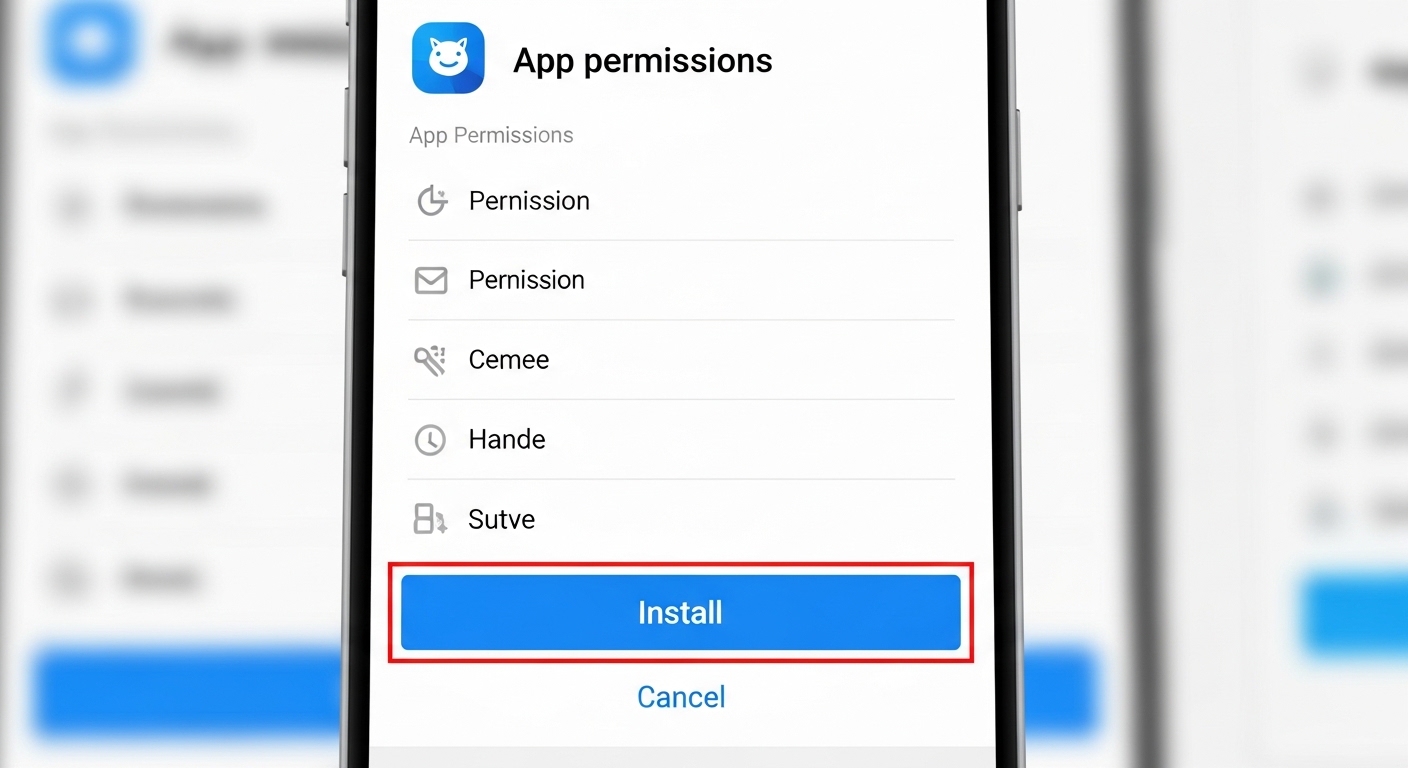
Once you've found your file on a trusted source, tap the download button and wait for the APK to land in your Downloads folder. Open your file manager, navigate to Downloads, and tap the APK. Android's installer will prompt you to review the permissions the app is requesting — check these before tapping Install. Standard games should never ask for SMS access or call permissions. The install typically takes 5–15 seconds depending on the APK size.
Method 2 — Third-Party App Stores for Android
If you want a browsable storefront experience without Google Play, several third-party stores offer curated catalogs of free and modded APKs. These work like the Play Store but without regional locks or content restrictions. Popular options include APKPure, Aptoide, and F-Droid (for open-source apps). Each requires a one-time APK install of the store itself — the same process outlined in Method 1. Once installed, you browse and update apps directly from within the third-party store. This is particularly useful for keeping modded versions of games like Subway Surfers or Clash of Clans up to date without returning to individual download sites.
Method 3 — PC-to-Android Sideloading via ADB
What Is ADB?
ADB (Android Debug Bridge) is a command-line tool that lets your PC communicate directly with your Android device over USB or Wi-Fi. It is the most reliable sideloading method — it bypasses every on-device restriction and works even on locked-down corporate or school devices where the Unknown Sources toggle is hidden. ADB comes bundled with Android Studio's platform-tools package, which you can download free from Google's developer site. You'll need: a Windows, Mac, or Linux PC, a USB cable, and USB debugging enabled in your phone's Developer Options.
ADB Install Command
With your phone connected and USB debugging active, open a terminal in the platform-tools folder and run: adb install your-app.apk — replacing 'your-app.apk' with the path to your file. ADB will push and install the APK automatically in seconds. For large game APKs with OBB data files, you'll also need to push the OBB folder to /sdcard/Android/obb/ using adb push before launching the game. This method requires no root and works on Android 5 through Android 15.
Is It Safe to Download Apps Without the App Store?
Safety depends entirely on your source. Official APKs pulled from trusted mirror sites carry the same code as the Play Store version — no risk. Modded APKs from verified gaming communities like APK Custom are generally safe, especially when the site publishes SHA-256 hashes and VirusTotal scan results alongside the download. The real danger is random APKs from unverified forums or link shorteners that redirect you through ad pages before the download begins — a common sign the file may be tampered with. Run every APK through Google Play Protect after installation: open Play Store → Profile → Play Protect → Scan device. Any flagged app will be surfaced immediately.

Best Types of Apps to Download Without the App Store
Not every app that lives outside official stores is a mod or a hack. Many legitimate categories thrive in the APK ecosystem: emulators (Delta for GBA/SNES, Dolphin for GameCube) are often pulled from the Play Store under pressure despite being fully legal; open-source utilities like AdAway (ad blocker) require root and can't be listed on Play Store; beta and pre-release builds of games let you test new content months before official release; and geo-restricted apps available only in specific countries can be downloaded as APKs regardless of your region. If you enjoy open-world action games, you can also grab the Grand Theft Auto: San Andreas APK outside the Play Store to save on storage from bloated store versions.
Frequently Asked Questions
Will sideloading APKs void my phone's warranty?
No. Sideloading APKs on Android does not void your warranty. It is a standard, documented Android feature. Warranty is typically voided only by unlocking the bootloader, flashing custom ROMs, or physically damaging the device. Simply installing APKs from outside the Play Store carries zero warranty implications.
Can I download apps without the app store on iOS?
On iOS, sideloading is significantly more restricted. AltStore and Sideloadly allow you to install IPA files via a PC connection using a free Apple Developer account, but apps installed this way expire every 7 days and require re-signing. On iOS 17.4+ in the EU, Apple allows third-party app marketplaces as a legal alternative. For a frictionless experience, Android remains the platform of choice for sideloading.
Do sideloaded apps receive automatic updates?
Not automatically. Apps installed outside the Play Store do not connect to Google's update infrastructure. You'll need to manually download and install updated APKs whenever a new version drops. If you use a third-party app store like APKPure or Aptoide, those stores handle update notifications within their own apps, making the process closer to the Play Store experience.
What is the best site to download apps without the app store?
For gaming APKs and MOD APKs, Gamesuki's APK World catalog offers verified, version-tracked files with clear feature lists. For standard apps, APKPure and APKMirror mirror official Play Store builds with signature verification. For open-source apps only, F-Droid is the gold standard with no trackers and full source code transparency.
Can I get banned from a game if I install a modded APK?
Yes — online multiplayer games with active anti-cheat systems can detect modded clients and ban your account permanently. Games like Free Fire and PUBG Mobile use server-side detection. Always use modded APKs on separate guest accounts, never on accounts with real-money purchases, and never in competitive ranked modes. Single-player and offline games carry zero ban risk from modded APKs.
Start Downloading Apps Without the App Store Today
Downloading apps without the App Store is a legitimate, legal, and powerful way to expand what your Android device can do. Enable Unknown Sources, choose a verified source, and you can install virtually anything in under two minutes — no root, no jailbreak, no technical expertise required. For a curated starting point with verified APKs and MODs for top Android games like Garena Free Fire, Minecraft, and Clash Royale, explore the Gamesuki catalog and find your next install today.
Verified APKs and MODs · All genres · Free download
Related articles
Browse all
AI Photo Editor MOD APK — Unlock All Filters & Premium Tools Free
Get the AI Photo Editor MOD APK with all premium filters, tools, and effects unlocked. No watermark, no subscription — edit like a pro on Android.

Aimbot COD Mobile — CODM Aimbot APK Guide, Risks & Alternatives
Everything you need to know about aimbot for COD Mobile: how it works, the real ban risks, and the best legal alternatives to dominate in CODM.

Among Us 3D Hacks & PC Hacks — What Really Works in 2025
Curious about Among Us 3D hacks and Among Us hacks on PC? This guide covers what these mods actually do, the ban risk, and the best ways to enhance your game safely.